Why clean cable management reduces future maintenance cost
A rack that takes 40 minutes to diagnose instead of 4 hours isn't an aesthetic choice. It's a maintenance budget line item.
Clean network cable management is not just about appearance. In a commercial network rack, organized cabling reduces troubleshooting time, simplifies upgrades, prevents accidental disconnects, and lowers long-term maintenance cost.
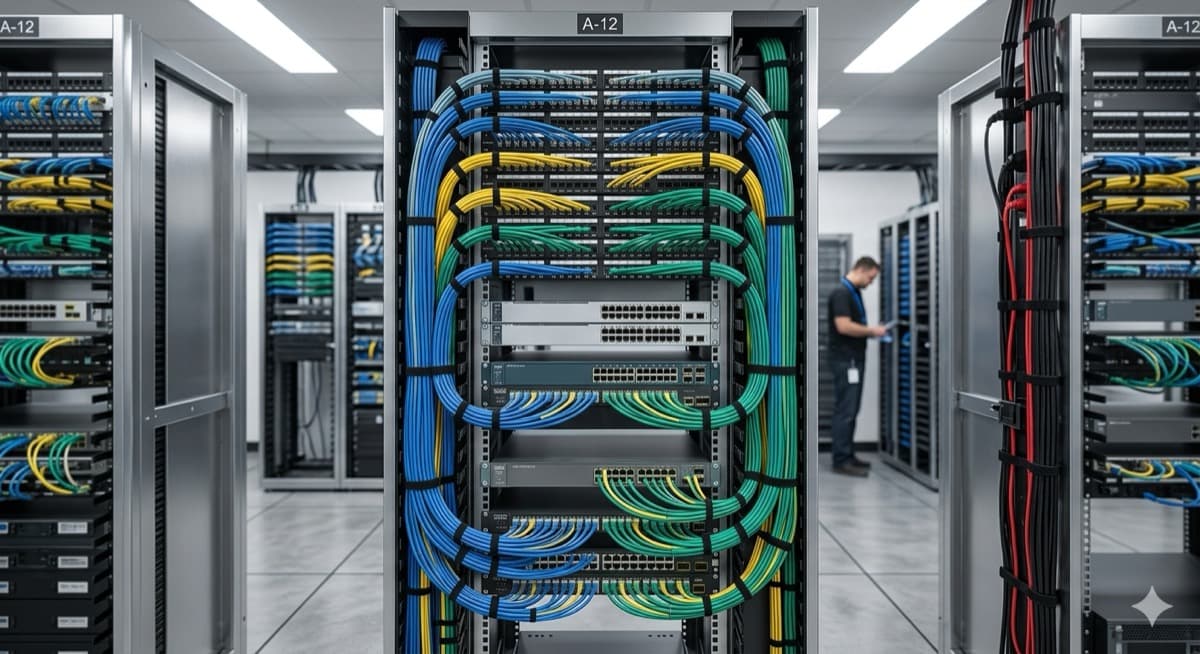
Short Direct Answer
Good network cable management makes a rack faster and safer to service.
When every cable is labeled, routed correctly and easy to trace, a technician can identify a connection in minutes instead of manually following cables through a tangled rack.
That reduces:
- Troubleshooting time
- Labor cost
- Accidental disconnections
- Downtime during upgrades
- Mistakes when equipment is replaced
In a commercial network, clean cable management is part of the infrastructure — not decoration.
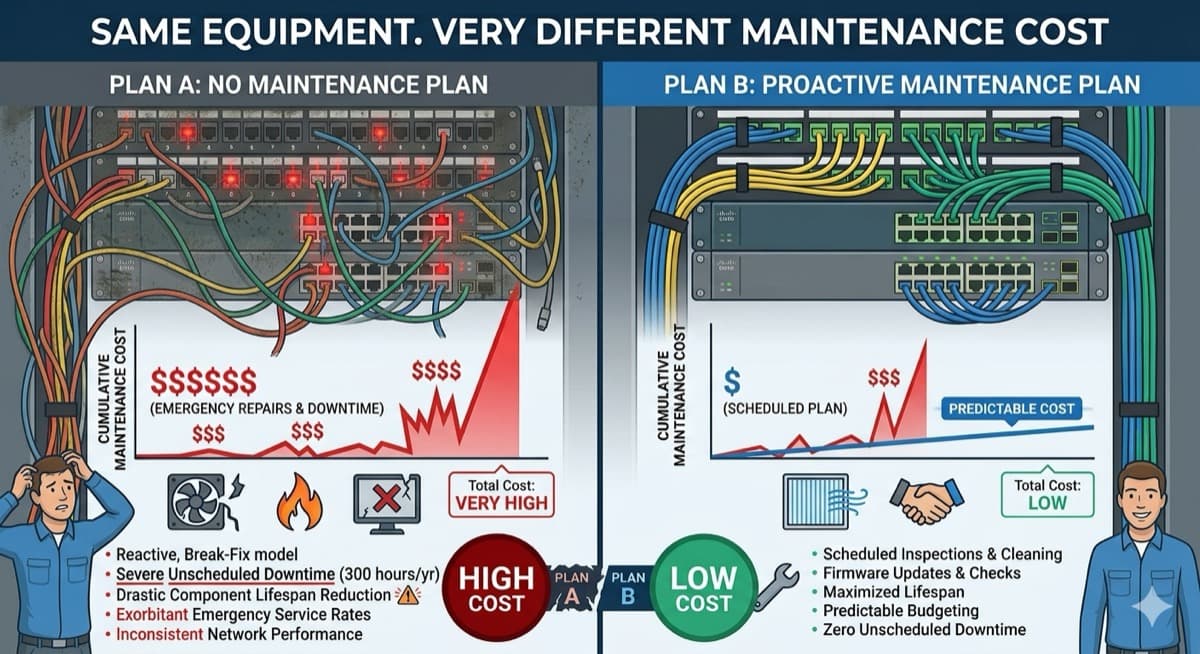
When This Matters
Cable management becomes especially important when a rack supports many systems at the same time:
- Office network
- Wi-Fi access points
- IP cameras
- VoIP phones
- Access control
- AV systems
- Servers
- Building automation
A small rack may start with 20 or 30 connections.
Several years later it can have hundreds of patch cords, equipment changes and undocumented modifications.
Without proper organization, every future service call takes longer.
A rack that takes 40 minutes to diagnose instead of four hours directly reduces maintenance cost and business downtime.
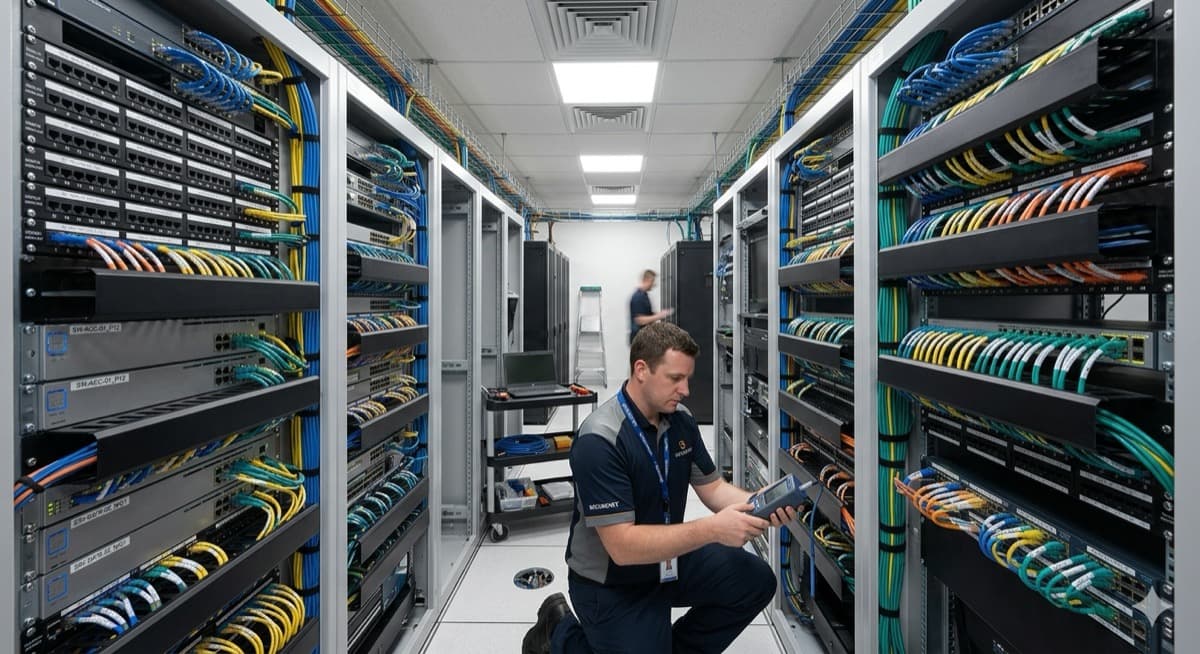
Field Examples
Replacing a failed switch
In a clean rack, ports are labeled and patch cords follow a predictable path.
The technician can identify the affected devices, replace the switch and reconnect everything correctly.
In a poorly organized rack, cables may cross several rack units, disappear behind equipment and have no useful labels.
The hardware replacement may take 20 minutes.
Finding the correct cables can take hours.
Troubleshooting a Wi-Fi access point
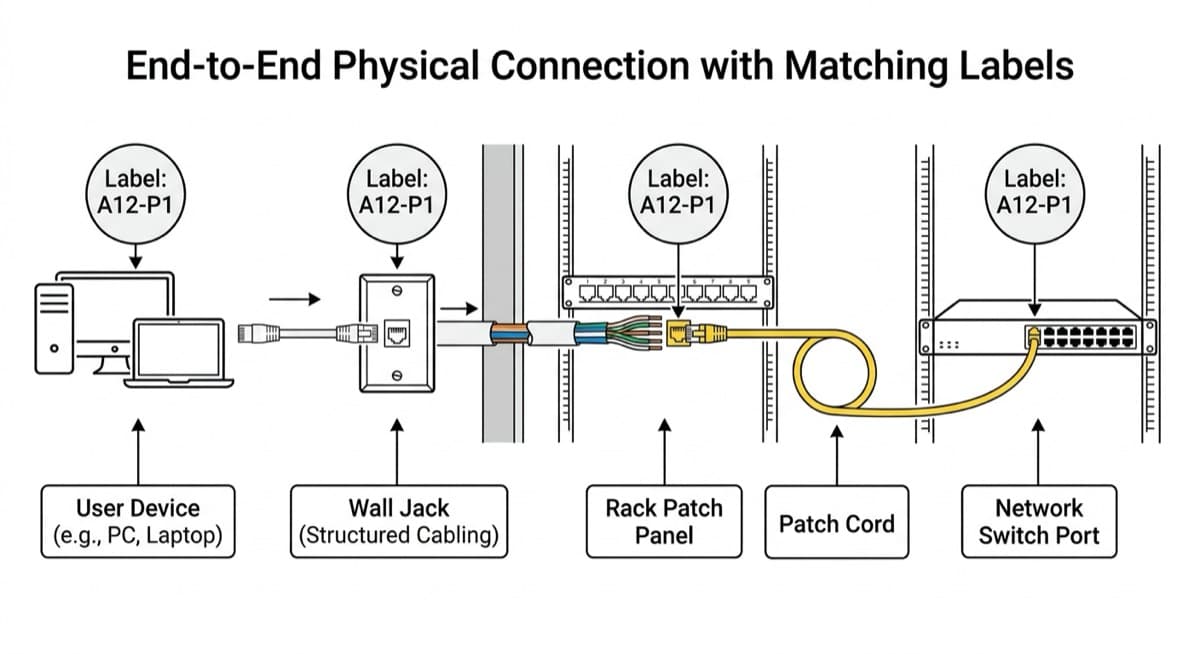
If an access point goes offline, the technician should be able to trace AP → patch panel → switch port without guessing.
Proper labeling makes that process simple.
Without documentation and rack cable management, technicians often have to test ports or physically trace the cable.
Adding new network equipment
Clean racks also make expansion easier.
If cable pathways, rack units and patch panels are organized correctly, adding another switch, firewall, NVR or patch panel does not require rebuilding half the rack.
Decision Framework
A commercial network rack should make four questions easy to answer:
- Where does this cable go?
- What device does it serve?
- Which switch port is it connected to?
- Can it be disconnected safely?
If answering any of those questions requires manually tracing a cable through the rack, the cable management and documentation need improvement.
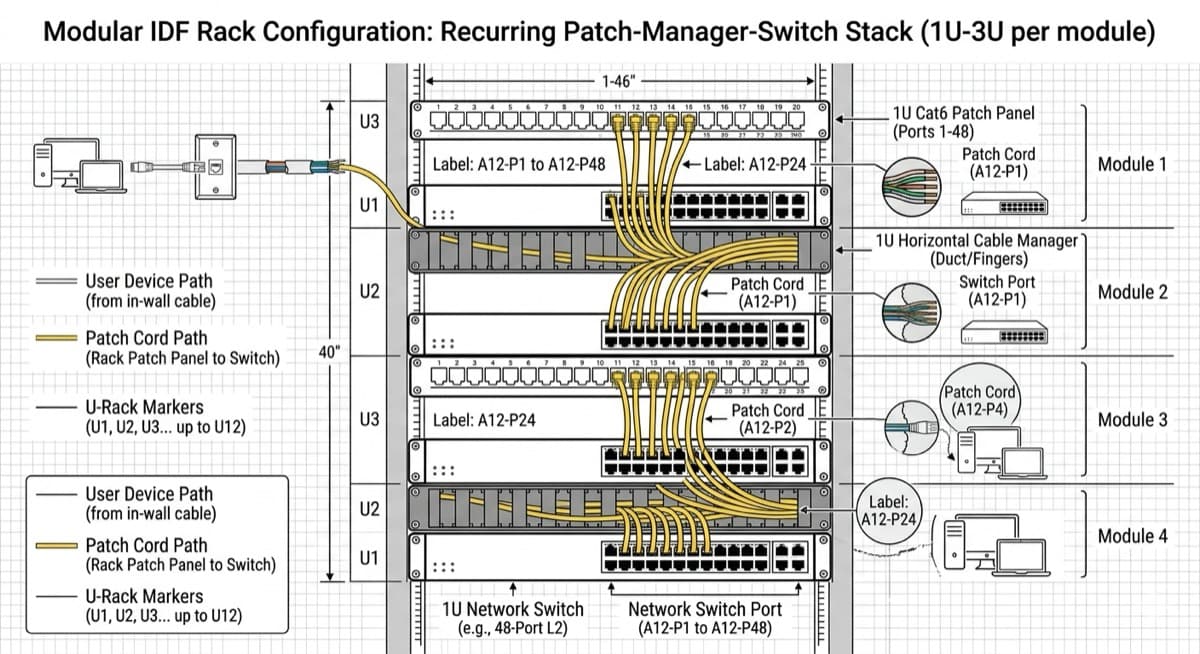
Good rack design normally includes:
Patch panels → cable managers → switches → short patch cords → consistent labeling
The simpler the physical path, the easier the network is to maintain.
Common Mistakes
Using patch cords that are too long
A three-foot connection should not use a ten-foot patch cable.
Extra cable creates loops, blocks access and makes tracing connections harder.
Routing cables across equipment
Patch cords should not run across switch faces, power supplies, ventilation areas or removable equipment.
A technician should be able to replace one device without disturbing unrelated connections.
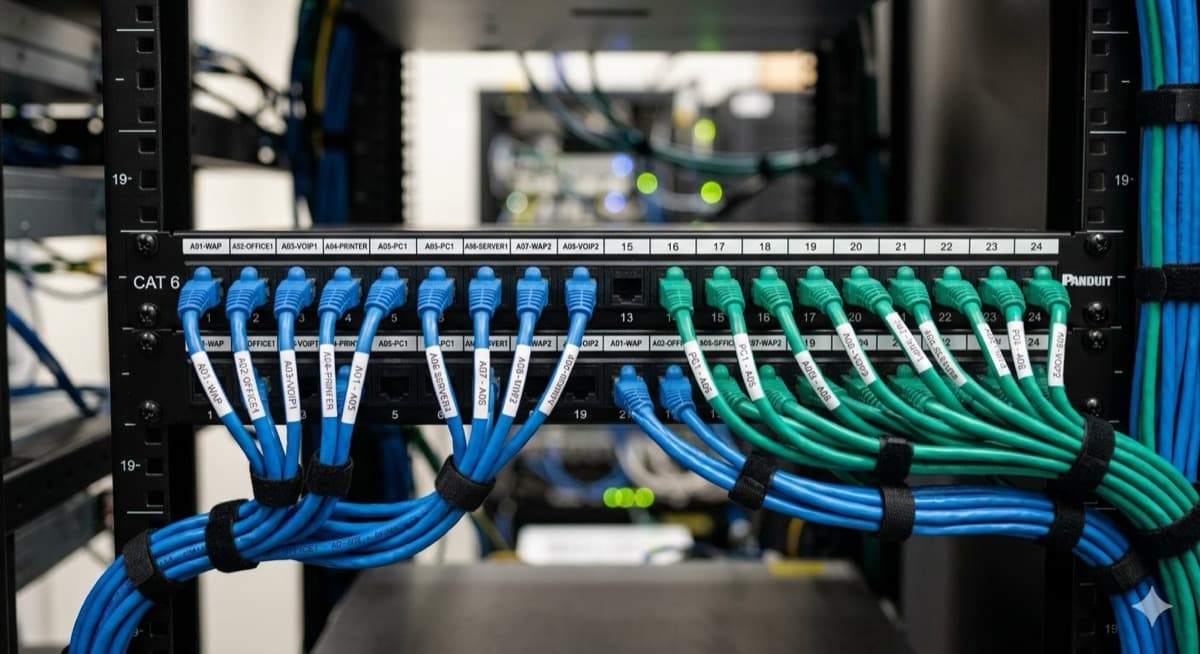
No cable labels
Color alone is not documentation.
Each permanent cable should have a consistent identifier that matches the patch panel, outlet and project documentation.
Filling every inch of the rack
A rack should leave room for maintenance and future expansion.
Perfectly organizing a rack with no remaining capacity still creates problems later.
The Technopolis Standard
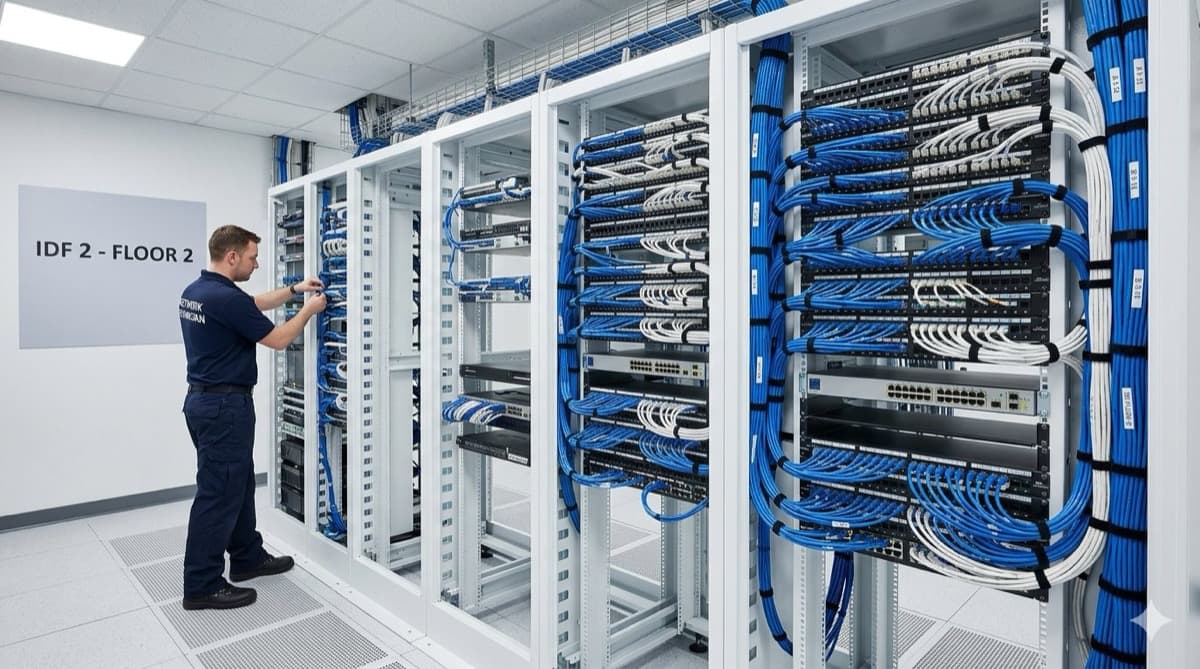
At Technopolis, commercial network rack installation is designed for the technician who may need to service it years later.
We focus on:
- Logical rack layout
- Short and correctly sized patch cords
- Horizontal and vertical cable management
- Consistent cable labeling
- Documented patch-panel and switch-port assignments
- Space for future expansion
The goal is not simply to make the rack look clean on installation day.
The goal is to make future troubleshooting, upgrades and maintenance faster.
A properly built rack should allow another technician to understand the infrastructure without reverse-engineering the entire network.
Clean cable management saves time every time the rack is touched.
A network rack should be designed for installation day — and every service call after it.
Quick Answer
| Poor Cable Management | Clean Cable Management |
|---|---|
| Difficult cable tracing | Fast cable identification |
| Longer troubleshooting | Faster troubleshooting |
| Higher risk of mistakes | Easier controlled changes |
| Difficult upgrades | Simplified expansion |
| Higher labor cost | Lower maintenance cost |
| Poor documentation | Clear infrastructure records |
Related systems
Related reading
Have a project that raises this exact question?